

Emails are the backbone of modern communication. Whether you are working on business correspondence, legal cases, or simply organizing personal messages, having your emails in an easily accessible and editable format is crucial. The EML file format is widely used to store individual email messages, but these files are not inherently easy to view or edit without an email client.
That’s where the MyDigisoft EML Converter Tool makes a significant difference. This purpose-built software lets you convert your EML files directly into DOCX, Microsoft Word’s accessible document format. The result is a flexible, easy-to-edit file that can be shared seamlessly across platforms — indispensable for professionals, archivists, or anyone who manages large collections of emails.
In this comprehensive guide, we’ll explore what EML files are, why converting them to DOCX is beneficial, how MyDigisoft’s tool streamlines this process, and walk you through detailed steps to get the best results.
Understanding EML Files and the Need for Conversion to DOCX
An EML file is essentially a container that stores a single email message along with metadata such as sender/recipient info, timestamps, subject lines, message body, and attachments. These files are compatible with many email clients like Microsoft Outlook, Mozilla Thunderbird, and Windows Mail. However, their use cases are limited beyond these clients because:
-
EML files require specialized applications to open and read.
-
They are not editable in traditional word processing software.
-
Sharing EML files can be cumbersome when recipients don’t have compatible email clients.
-
Searching through EML files for specific content is inefficient.
In contrast, DOCX files—the default format for Microsoft Word—allowed users to easily edit, format, annotate, and share documents across virtually any platform that supports word processing. They are also more searchable and can integrate well with other software and workflows.
Converting EML to DOCX unlocks the full potential of your email content by:
-
Making emails editable for adding notes or highlighting key information.
-
Allowing easy integration into reports, legal filings, or presentations.
-
Providing universal compatibility without the need for email clients.
-
Facilitating better email archiving and record-keeping.
Who Should Use the MyDigisoft EML Converter Tool?
The MyDigisoft EML Converter Tool is ideal for a variety of users and scenarios:
-
Legal Professionals: Attorneys and paralegals can convert email evidence into editable Word documents to prepare case files or discovery materials.
-
IT Departments: When migrating archives or consolidating email data, converting to DOCX helps streamline data management and integration with other systems.
-
Archivists and Records Managers: Converting emails to editable, searchable DOCX ensures that historical emails can be maintained in accessible formats that withstand changes in email software.
-
Business Users: Easily edit and share important correspondence in client meetings, internal documents, or external reporting.
-
Individual Users: Anyone wanting to read, customize, or store emails better without relying on cumbersome email clients.
Why Choose the MyDigisoft EML Converter Tool?
There are many email conversion tools on the market, but the MyDigisoft EML Converter Tool stands out because of its comprehensive features designed to simplify the user experience while preserving email integrity.
Key Advantages:
-
Intuitive Interface: Designed to be user-friendly even for those with minimal technical expertise, allowing users to convert emails without a steep learning curve.
-
Batch Conversion Capability: Efficiently processes hundreds or thousands of EML files at once, saving time and effort.
-
Formatting Preservation: Emails retain their original format, including styles, fonts, hyperlinks, and inline images, ensuring the DOCX output closely matches the source.
-
Attachments Handling: Attachments are properly extracted and embedded in the DOCX files or saved separately according to user preference — a critical feature for legal or business users needing complete data sets.
-
No Dependency on Email Clients: This standalone tool does not require Microsoft Outlook, Thunderbird, or any other email client, making it versatile and lightweight.
-
Fast Processing: Designed for speed and reliability to handle large volumes of files without sacrificing quality.
-
Multiple Output Formats: While focusing on DOCX, the tool also supports alternative export options like PDF, DOC, and TXT, catering to diverse use cases.
Step-by-Step Guide: How to Convert EML to DOCX Using MyDigisoft EML Converter Tool
Step 1: Download and Install
Begin by downloading the MyDigisoft EML Converter Tool from the official source and completing a quick installation on your device. The setup is straightforward, and the tool is compatible with all major Windows versions.
Step 2: Import EML Files
Launch the software and use the Add Files or Add Folder buttons to import individual emails or entire directories filled with EML files. The batch import feature is especially useful if you have large archives.
Step 3: Select Output Format
Choose DOCX as your output format. You can also explore additional settings, including whether to embed attachments within the document or save them into a dedicated folder.
Step 4: Adjust Preferences
Fine-tune any conversion settings, such as filter options for emails by date, sender, or subject if you want a selective conversion. Also, confirm your destination folder for the converted Word documents.
Step 5: Start Conversion
Click the Convert button and allow the tool to process your files. Depending on file size and quantity, conversion may take a few moments, but the tool is optimized for speed without compromising accuracy.
Step 6: Access Converted Files
After conversion completes, open the output folder to find your DOCX files perfectly formatted and ready for editing, sharing, or archiving.
FAQs About MyDigisoft EML Converter Tool
Q1. Can I convert EML files without installing an email client?
Yes, the MyDigisoft tool operates independently and does not require any email clients.
Q2. Are attachments maintained during conversion?
Attachments are preserved; you can choose to have them embedded in the Word document or saved separately.
Q3. Is the conversion process secure?
Absolutely. Since the conversion is processed locally on your PC, there is no risk of data exposure due to online uploading.
Q4. Does the tool support bulk conversion?
Yes, bulk file or folder conversion is one of the primary features, ideal for large email archives.
Q5. Can I preview EML files before converting?
Some versions of the tool include a preview feature so you can verify email content before converting.
Conclusion
Managing email archives effectively is essential in today’s digital and professional worlds. The MyDigisoft EML Converter Tool offers a streamlined, reliable way to convert your rich email content from EML files into universally accessible and editable DOCX documents.
Its user-friendly interface, batch processing capability, and precise formatting and attachment handling make it the perfect software for individuals, legal professionals, IT administrators, and businesses alike.
Transform your email management today. Download the MyDigisoft EML Converter Tool and effortlessly unlock the power of your email archives in an editable Word document format that suits your needs.
If you’d like, I can also help you add more sections such as troubleshooting tips, case studies, or user testimonials to further deepen the content. Just let me know!

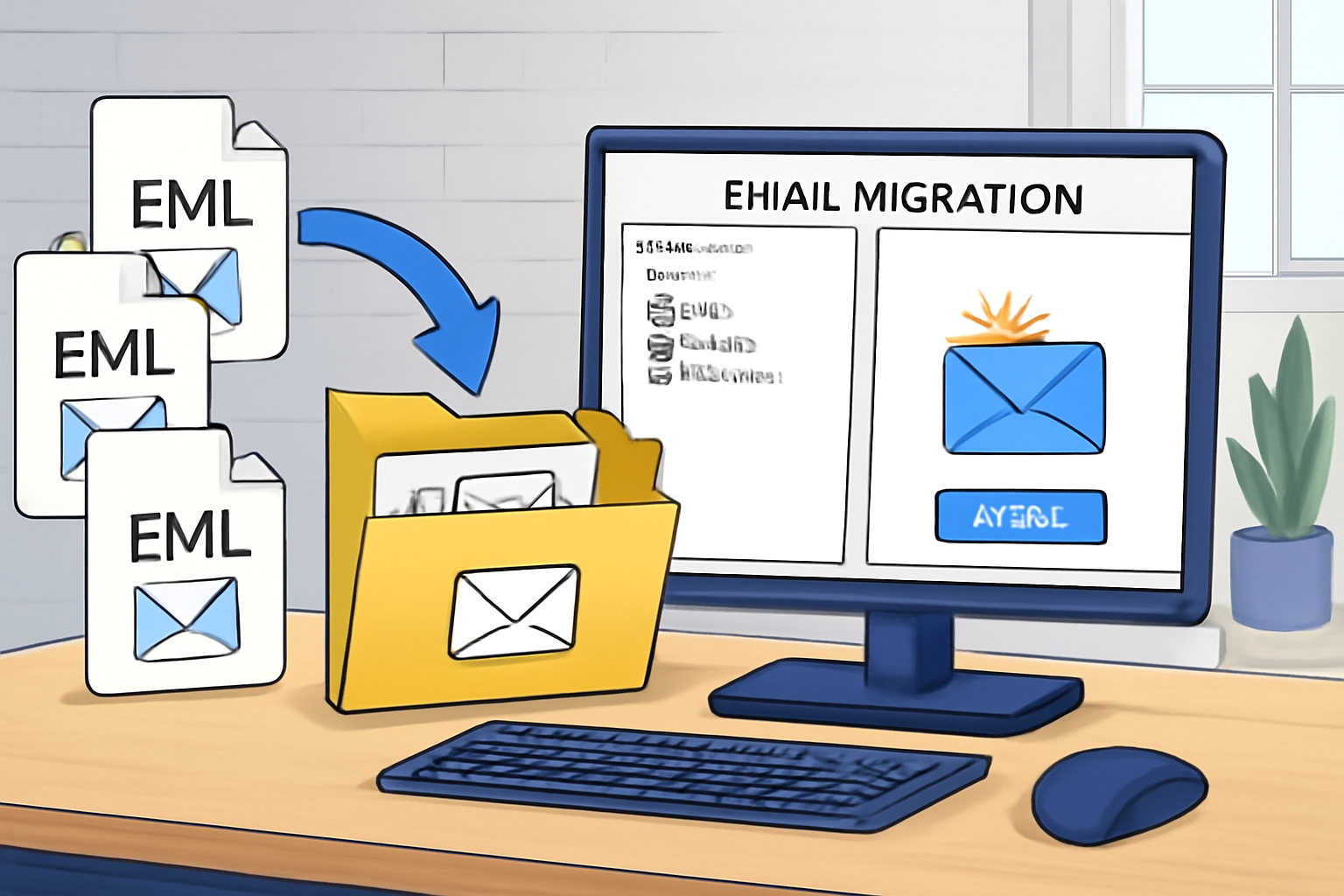
Migrating email data from one platform or format to another is a common need among businesses and individuals upgrading systems Read more